
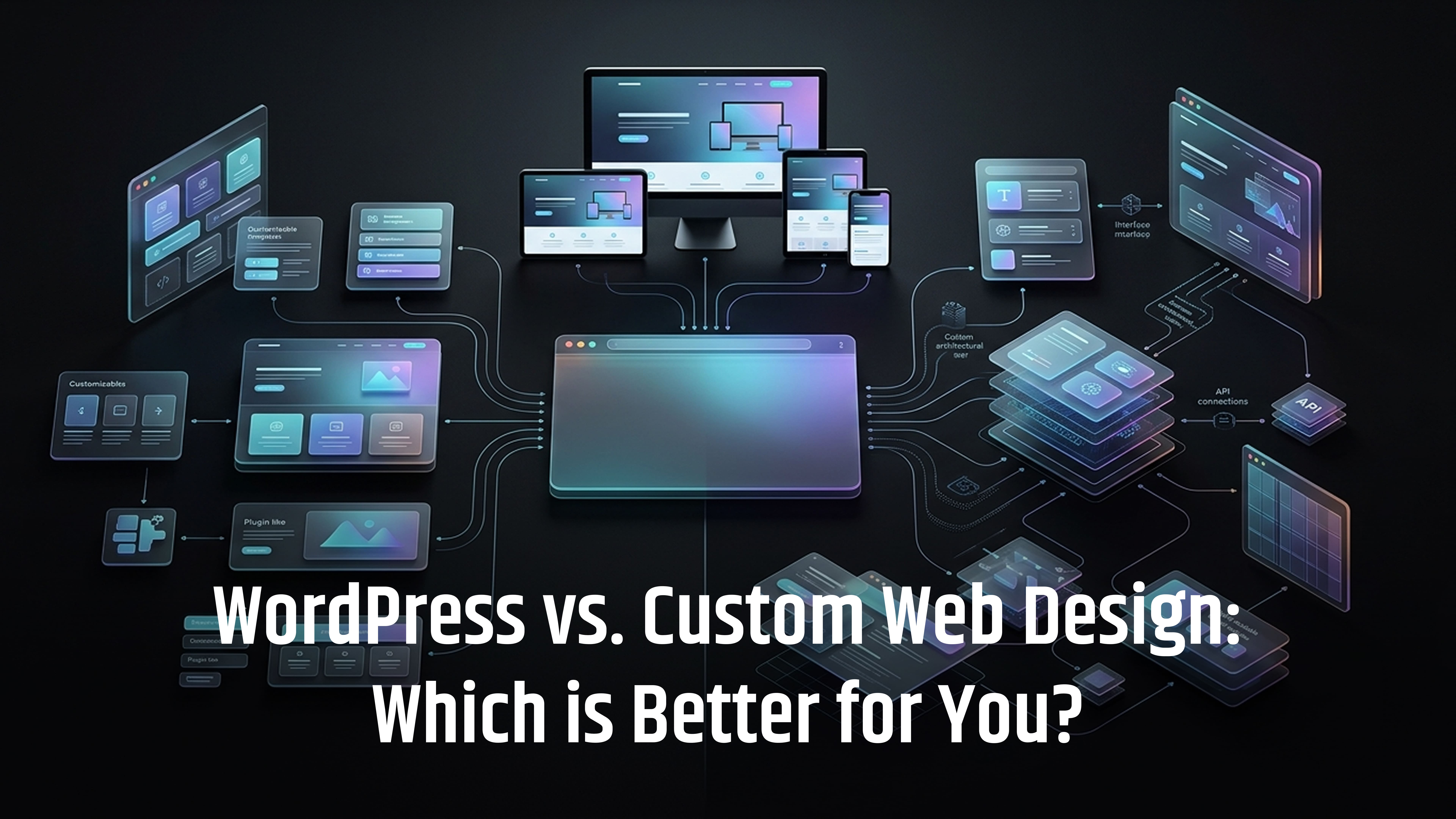
What if choosing the wrong website platform means paying more, waiting longer and struggling to update your own website for years?
When planning a new website, one of the biggest decisions is whether to use WordPress or custom web design. WordPress offers a flexible content management system that is widely used and easy to manage, while a custom website gives you greater control over design, functionality and technical architecture.
In 2026, WordPress is also continuing to evolve, with WordPress 7.1 released on 19 August 2026, bringing new responsive styling and editing improvements.
But which option is actually right for your business?
The answer depends on your budget, SEO goals, content needs, website functionality, performance requirements and plans for future growth. In this guide, we compare WordPress and custom web design to help you make a practical, informed decision.
WordPress vs custom web design at a glance
A quick comparison of WordPress and custom web design, covering cost, flexibility, SEO, performance, security, maintenance and scalability.
|
Factor |
WordPress |
Custom web design |
|
Initial cost |
Usually lower |
Usually higher |
|
Time to launch |
Usually faster |
Usually longer |
|
Content management |
Excellent |
Depends on CMS/build |
|
Design flexibility |
High with skilled development |
Very high |
|
Unique functionality |
Possible, but may require custom development |
Excellent |
|
SEO |
Strong when properly configured |
Strong when properly built |
|
Performance |
Can be excellent with good development |
More control over architecture |
|
Security |
Requires ongoing updates and careful plugin management |
Depends on development and maintenance |
|
Maintenance |
Core, theme and plugin updates |
Developer-led maintenance |
|
Scalability |
Good for many business websites |
Excellent when architecture is designed for scale |
|
Developer availability |
Large WordPress ecosystem |
Depends on technology |
|
Ease of changing suppliers |
Generally easier |
Can be more dependent on original developer |
|
Best suited to |
Business websites, blogs, content sites, many online shops |
Complex platforms, applications and unusual requirements |
What is the Difference Between WordPress and Custom Web Design?
Before choosing between the two, it helps to understand how they differ.
What is WordPress?
WordPress is an open-source content management system (CMS) that lets businesses create, publish and update website content without coding every page from scratch.
It can be extended with:
- Themes and plugins
- Custom blocks and fields
- WooCommerce
- APIs and integrations
- Custom development
- Headless setups
The latest major release, WordPress 7.1, was released in August 2026 with improvements to responsive styling, media and content editing.
What is Custom Web Design?
Custom web design services means building a website around a business's specific design, functionality and technical requirements rather than relying mainly on a pre-built theme or standard structure.
It can involve technologies such as HTML, CSS, JavaScript, PHP, React, Next.js, Laravel, databases and custom APIs.
One important point is that custom design and WordPress are not opposites. A website can have a completely custom design and still use WordPress as its CMS.
So, the real choice may be between standard WordPress, custom WordPress, headless WordPress or a fully bespoke web application.
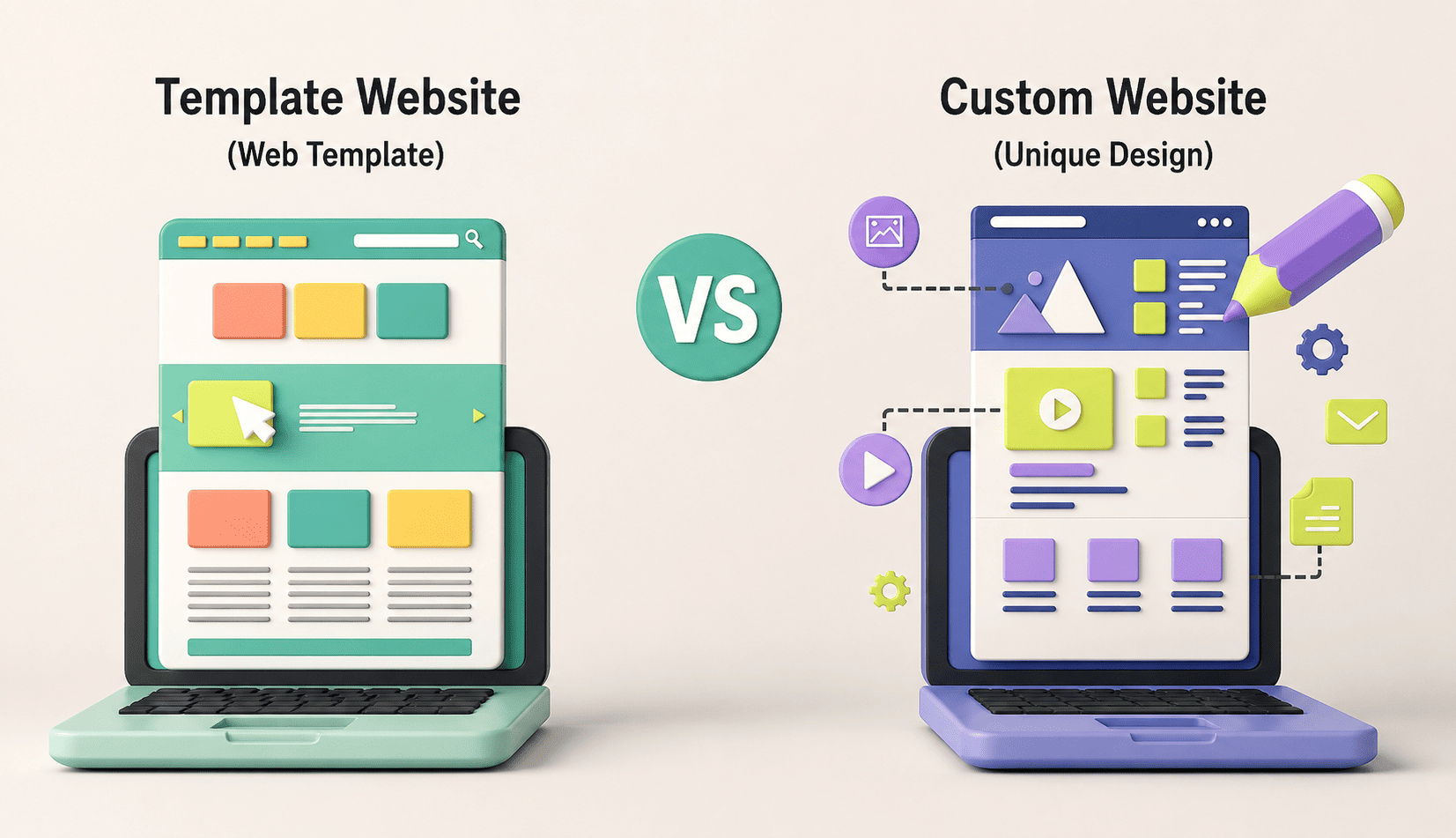
The Advantages of WordPress
1. Faster to Launch
WordPress provides a ready-made CMS, so developers do not need to build basic features such as pages, posts, media management and navigation from scratch. This can reduce development time while still allowing custom design, responsive development, SEO, accessibility and performance optimisation.
2. Easy to Manage
WordPress makes it simple for non-technical users to update website content without relying on a developer. Businesses can easily manage blog posts, service pages, case studies, FAQs, team profiles, news and product information from the dashboard.
3. Large Ecosystem
WordPress has a large ecosystem of plugins, themes, developers and integrations. Businesses can add features such as contact forms, SEO tools, ecommerce, bookings, memberships, analytics and multilingual content. WooCommerce, for example, can turn WordPress into a full ecommerce platform.
However, using too many plugins can affect security, performance, compatibility and maintenance, so each plugin should be chosen carefully.
4. Plugin Dependency Can Create Problems
Plugins make WordPress flexible, but relying on too many can make a website harder to manage. Poorly maintained plugins, duplicate features, heavy page builders, outdated themes and unnecessary scripts can affect performance, security and compatibility.
Before adding a plugin, consider whether the feature can be handled by WordPress itself, custom code or an existing plugin. Using fewer, reliable plugins generally makes a website easier to maintain.
5. WordPress Requires Ongoing Maintenance
WordPress is not a build-once-and-forget platform. Core software, themes and plugins need regular updates to keep the website secure, stable and compatible.
Good WordPress maintenance should include:
- Regular backups
- Core, theme and plugin updates
- Security monitoring
- Performance checks
- Compatibility testing
- PHP and hosting updates
- Database maintenance
WordPress itself continues to release security and maintenance updates, so ongoing maintenance should be included in the website's long-term plan.
The Advantages of Custom Web Design
Custom web development is a good option for businesses that need unique features, complex workflows, advanced integrations or a highly tailored user experience.
1. Greater Control Over Functionality
A custom website can be built around the exact needs of a business instead of adapting those needs to existing plugins or standard features.
It can be useful for:
- Customer portals
- Booking platforms
- SaaS products
- Online marketplaces
- Membership systems
- Product configurators
- Bespoke calculators
- Large directories
- Data-driven applications
- Complex integrations
The key is to build custom functionality only when the business requirements justify the additional development.
2. More Control Over Technical Architecture
Custom development gives developers greater control over the website's underlying technology, including:
- Database structure
- API integrations
- Security
- User permissions
- Caching
- Hosting
- Frontend and backend technologies
- Scalability
The technology stack can be selected according to the project's requirements. For example, a complex application might use React or Next.js for the frontend and a separate backend or API, while another project may use Laravel and a relational database.
There is no single best technology stack. The right choice depends on the website's purpose and technical requirements.
3. Highly Customised User Experiences
Custom development allows the website to be designed around specific user journeys and business processes rather than the limitations of a standard CMS.
This can be valuable for:
- Online application systems
- Interactive product builders
- Complex quotation tools
- Customer dashboards
- Online learning platforms
- Bespoke booking systems
- Data visualisation tools
A custom website can also use a CMS when the business needs an easy way to manage and publish content.
The Disadvantages of Custom Web Development
A bespoke website offers control and flexibility, but these benefits often come with higher development and maintenance requirements.
1. Higher Development Costs
Custom development usually costs more because the team may need to build functionality, databases, APIs, security, user management and testing systems from the ground up.
The additional cost can be worthwhile when custom features provide clear business value, but it may be unnecessary for a simple website.
2. Longer Development Time
A bespoke website generally takes longer to plan, develop and test because more components are built specifically for the business.
For a simple company website, this extra development may not be necessary. For a complex web application, it can be justified.
3. Greater Dependence on Technical Support
Custom websites often require developers for future updates, changes and troubleshooting. Before starting a project, confirm:
- Who owns the source code and domain
- Who manages hosting and backups
- Whether proper documentation is provided
- Whether another developer can take over
- How security and updates will be handled
Good documentation and clear ownership can reduce long-term technical dependency.
WordPress vs Custom Web Design: Which is Better for SEO?
Neither WordPress nor custom development automatically provides better SEO. Rankings depend on content quality, search intent, technical SEO, site structure, crawlability, page speed, Core Web Vitals, mobile usability, internal linking and user experience.
Both platforms can perform well in search when they are properly designed, developed and maintained. The better choice is the platform that allows you to create and maintain a fast, accessible, technically sound and useful website.
WordPress vs Custom Website Cost
There is no fixed cost for either option. Pricing depends on the design, number of pages, functionality, integrations, e-commerce, hosting, SEO, security, testing and ongoing maintenance.
A simple WordPress website may cost less, while a highly customised WordPress site can require a larger budget. Custom development usually costs more because more functionality is built specifically for the business.
Instead of comparing only the initial price, consider the total cost of building, running and maintaining the website over several years.
Total Cost of Ownership
The initial development price is only part of the overall cost.
WordPress costs may include:
- Development and hosting
- Premium themes or plugins
- Maintenance and security
- Backups and support
- Future updates
Custom development costs may include:
- Design and development
- Hosting and infrastructure
- Security and monitoring
- Developer support
- Framework and dependency updates
- Future features and testing
A cheaper website is not always cheaper to operate long term.
Which is Better for Website Performance?
Neither platform is automatically faster. Performance depends on how the website is built and maintained.
Important factors include:
- Hosting and server response time
- Images and fonts
- JavaScript and CSS
- Caching and CDN
- Database performance
- Third-party scripts
- Plugins
- Frontend architecture
A well-built WordPress website can be fast, just as a well-built custom website can be fast. Choose based on the actual performance requirements, not assumptions about the platform.
WordPress vs Custom Website Security
Both approaches require proper security.
WordPress needs regular core, theme and plugin updates, secure hosting, strong authentication, backups and monitoring.
Custom applications also need secure authentication, permissions, APIs, databases, dependencies, logging and monitoring.
Custom code does not eliminate security risks; it simply means the development team is responsible for more of the security architecture.
What About a Custom-Designed WordPress Website?
You do not have to choose between a standard WordPress template and a completely custom application.
A custom WordPress website can include:
- Bespoke design
- Custom layouts and blocks
- Custom post types and fields
- Tailored functionality
- Carefully selected plugins
- Technical SEO
- Optimised hosting
This approach combines WordPress's content management capabilities with a more tailored design and functionality, making it suitable for many B2B companies, professional services firms, publishers and growing businesses.
WordPress vs Custom Web Design for Ecommerce
The right choice depends on the complexity of the online shop.
WordPress + WooCommerce may suit businesses with:
- Standard product catalogues
- Conventional checkout processes
- Manageable product ranges
- Content-led marketing
- Supported payment and business integrations
Custom ecommerce may suit businesses with:
- Complex pricing
- Advanced product configuration
- Unusual fulfilment rules
- Complex customer accounts
- ERP or inventory integrations
- Highly specialised purchasing journeys
The best ecommerce platform is the one that fits the products, customers and operational requirements.
WordPress vs Custom Web Design for Small Businesses
For many small businesses, WordPress is a practical choice. A typical business website may only need service pages, a blog, contact forms, case studies, basic SEO, analytics and an easy-to-use CMS.
Building a complete custom CMS for these requirements can add unnecessary cost and complexity. A well-designed WordPress website can provide the required flexibility without over-engineering the project.
WordPress vs Custom Web Design for Larger Businesses
Larger organisations may need more advanced features, including:
- Multiple user roles
- Complex publishing workflows
- CRM and ERP integrations
- Customer portals
- Personalisation
- Large databases
- Multiple languages
- High-traffic infrastructure
- Advanced security requirements
Custom development becomes more relevant as these requirements increase, but WordPress can still form part of a larger technical architecture, particularly where content management is important.
When Should You Choose WordPress?
WordPress is usually a good choice when:
- You need a business or marketing website.
- Your team needs to manage content.
- You publish regular content.
- Your functionality is relatively standard.
- You want a shorter development timeline.
- You need a flexible CMS.
- You want access to a large developer ecosystem.
- Your ecommerce requirements are straightforward.
For these requirements, building a CMS from scratch is often unnecessary.
When Should You Choose Custom Web Development?
Custom development is worth considering when:
- The website functions as a web application.
- You need complex business logic.
- You require advanced user permissions.
- You need extensive database functionality.
- You have specialised integrations.
- You need a unique customer journey.
- Standard CMS features require too many workarounds.
- The website is a core part of your software product.
The decision should be based on business requirements, not the desire to make the website appear more advanced.
A Simple Decision Framework
Before choosing a platform, ask:
- Who will manage the website?
If your team needs to update content regularly, WordPress has an advantage. - What does the website need to do?
Separate basic content needs from complex application requirements. - Does it need user accounts?
Simple accounts may work with WordPress; complex permissions may require custom development. - Are unusual integrations required?
Check available APIs and integrations before deciding. - How much content will you publish?
Content-heavy websites can benefit from a strong CMS. - How quickly do you need to launch?
WordPress can often reduce development time. - What is the long-term budget?
Consider development, hosting, maintenance and future changes. - Who will maintain the website?
Agree on support and maintenance before launch. - Who owns the website and source code?
Make sure ownership and access are clearly documented. - Does custom development solve a real problem?
If not, the additional complexity may not be worthwhile.
Conclusion
The choice between WordPress and custom web design depends on your business needs. WordPress is ideal for content-driven websites, smaller businesses and companies that want an easy-to-manage CMS. Custom development is better for complex applications, unique features and advanced integrations.
Neither option is automatically better for SEO, speed or security. What matters is how well the website is designed, developed and maintained.
Need help choosing the right solution? Contact WOWinfotech to discuss your requirements and build a website that fits your goals, budget and future growth.
Contact us to get a digital strategy
Contact us for digital strategy guidance.