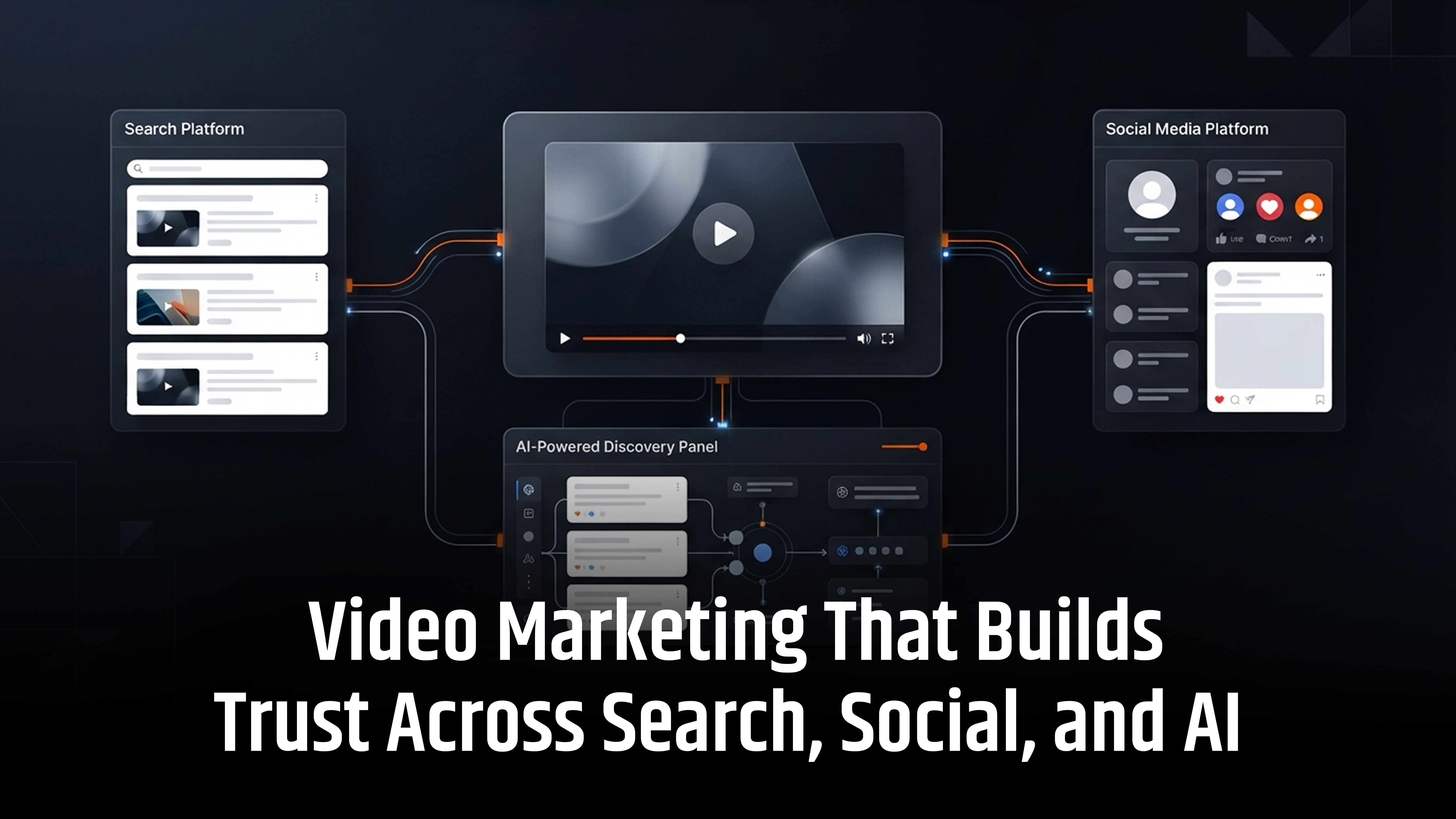
What makes customers trust one brand over another in an AI-driven world? Often, it is seeing the real people behind the business.
Video marketing builds trust across search, social media, and AI by showcasing human expertise, answering key buyer questions, and sharing honest insights. From practical demonstrations to customer stories, engaging videos make your brand more relatable and credible.
Add clear captions, accurate transcripts, and useful website content to strengthen online visibility. When people see real experience and verifiable information, they have more reason to trust your brand.
How Video Marketing Builds Customer Trust
Customers trust brands that share useful information, show real experience, and communicate honestly. Video helps businesses do this in a simple and engaging way.
1. Show Real Experience
Show your team in action. Share product demonstrations, completed projects, and practical tips. This helps customers see your expertise rather than just read about it.
2. Explain Complex Topics Simply
Use videos to explain technical processes, product features, and service steps. Visual demonstrations make information easier to understand and help customers make confident decisions.
3. Share Genuine Customer Stories
Customer testimonials and case study videos build credibility. Show the customer's challenge, your solution, and the actual results. Always use accurate, verifiable claims.
4. Be Honest About Challenges
Trust grows when businesses explain how they handle problems. Share common challenges, possible risks, and practical solutions. This shows accountability and real-world experience.
5. Make Customer Communication Personal
Use welcome videos, onboarding guides, and support videos to connect with customers. Hearing from a real team member makes communication feel more personal and helpful.
Best Practices for Building Customer Trust with Video Marketing
Follow these proven video marketing practices to showcase real expertise, share valuable insights, and build lasting customer trust across digital platforms.
- Share honest insights and real experience: Explain challenges, risks, limitations, and how your team solves problems. Avoid making every video a sales pitch.
- Add captions and video transcripts: Use accurate captions, full transcripts, clear titles, and relevant descriptions. This makes your content easier to understand and discover.
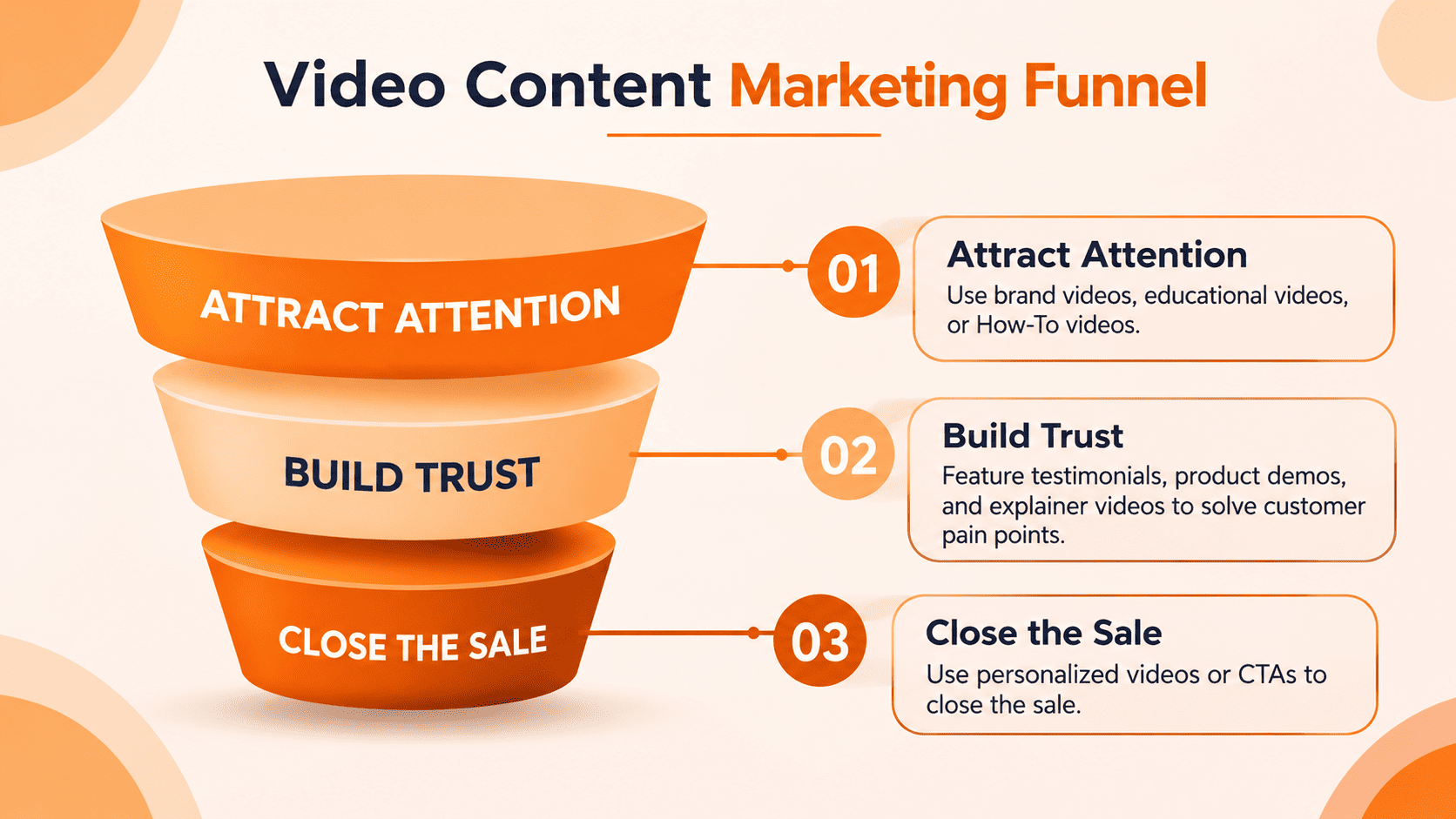
- Create videos for each stage of the buyer journey: Use short videos to attract attention, comparison videos to support buying decisions, and tutorials to explain implementation.
- Keep your video content personal: Feature real team members in sales outreach, customer support, and follow-up videos. A human voice makes communication more relatable and builds confidence.
How to Use Video Marketing for SEO, Social Media, and AI Search
Use video marketing to improve search visibility, increase social media engagement, and strengthen your brand presence in AI-generated search results.
- Video SEO for Search Engines: Answer specific customer questions with keyword-focused video titles, descriptions, timestamps, and transcripts. Embed videos on relevant website pages with helpful supporting content to improve search visibility.
- Social Media Video Marketing: Adapt your video style, opening hook, length, and call to action for platforms such as YouTube, LinkedIn, Instagram. Share useful tips, authentic stories, and clear messages to encourage engagement.
- AI Search Optimisation (AEO and GEO): Share clear, accurate facts in your videos, transcripts, and website content. Support important claims with trusted sources. Keep your brand information consistent across websites and online platforms to strengthen credibility and improve your chances of being recognised in AI-generated answers.
How to Create a Video Marketing Strategy That Builds Trust
Start with useful video content that answers customer questions and demonstrates your expertise. Follow these four steps:
1. Choose Three Important Customer Questions
Identify the questions potential customers ask before making a purchase. Focus on:
- Common customer concerns and buying objections.
- Product pricing, features, and comparisons.
- Service details and implementation processes.
- Onboarding steps and after-sales support.
These topics help you create relevant videos that match search intent and buyer needs.
2. Record Clear and Authentic Videos
Feature a subject expert, team member, or business owner who can explain the topic confidently.
- Use a phone or basic camera setup.
- Speak naturally and avoid complicated language.
- Share practical examples and real experience.
- Keep each video focused on one main question.
- Avoid unnecessary sales messages.
Authentic videos can build stronger connections than overly scripted promotional content.
3. Publish Videos with SEO-Friendly Content
Make each video easy to understand and discover across search engines and digital platforms.
- Write a clear, keyword-focused video title.
- Add a useful description and relevant keywords.
- Include accurate captions and a full transcript.
- Publish the video on a relevant website landing page.
- Add supporting text, useful links, and a clear call to action.
This helps users understand your content and gives search systems more context about the video.
4. Track Video Marketing Performance
Do not judge success by video views alone. Track meaningful engagement and business results, including:
- Watch time: How long viewers watch your videos.
- Audience retention: Whether viewers stay until the main message.
- Engagement: Likes, comments, shares, and clicks.
- Conversions: Enquiries, leads, and sales influenced by video content.
- Sales feedback: Whether videos help answer customer questions.
- Search visibility: How your videos perform in relevant search results.
- AI discovery: Whether your brand appears in relevant AI-generated answers.
Review these results regularly and improve your video content based on audience needs and business goals.
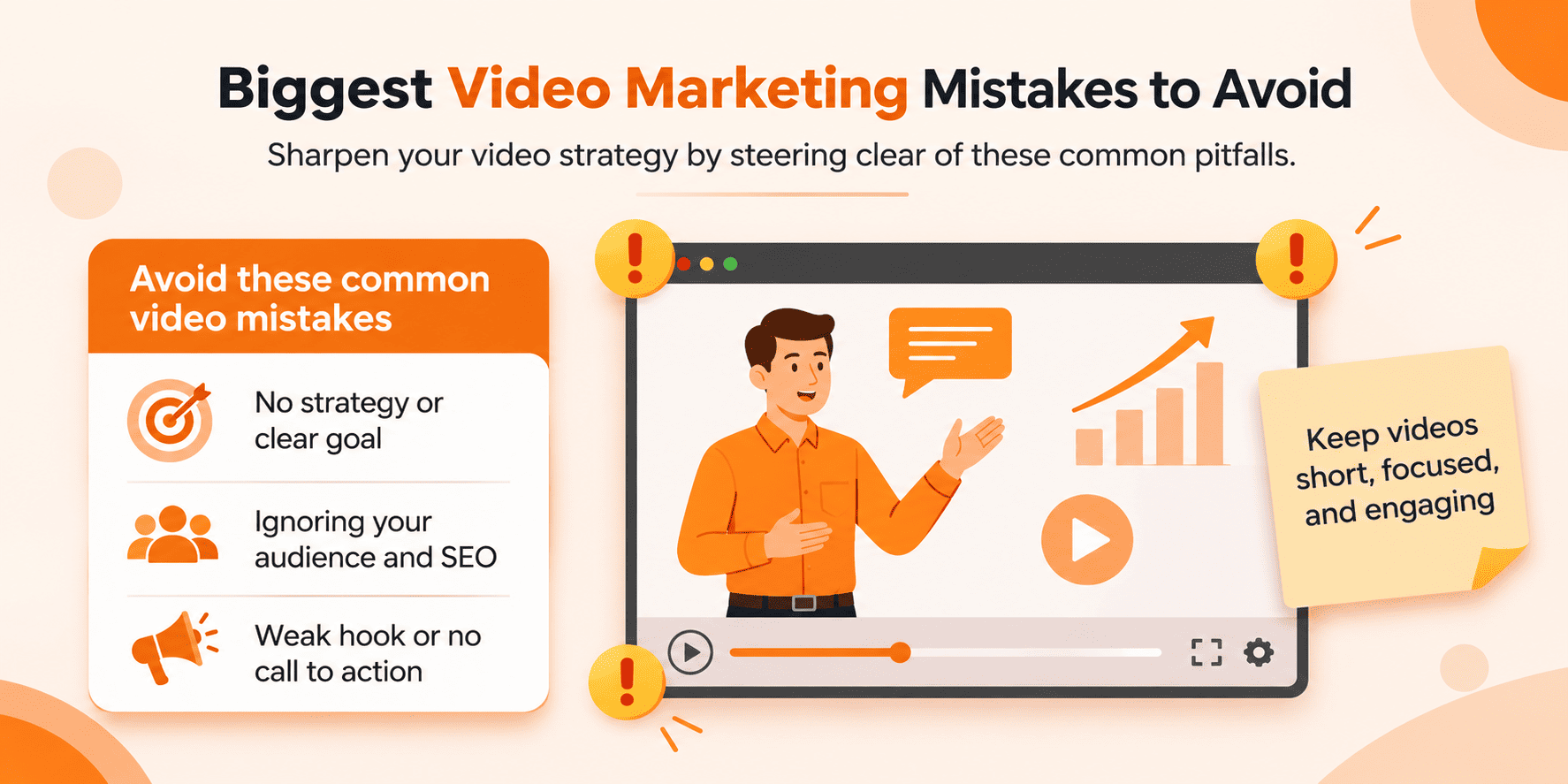
How Video Marketing Improves AI Search Visibility, AEO and GEO
AI search tools such as Google AI Overviews, ChatGPT Search, Gemini, Microsoft Copilot, and Perplexity are changing how people find information.
Businesses can improve content discoverability by publishing clear, useful, and trustworthy information. Video marketing supports this when combined with relevant website content, accurate transcripts, and expert insights.
What Is Answer Engine Optimisation (AEO)?
AEO helps content answer specific user questions clearly. For example, a website maintenance video can explain:
- What is website maintenance?
- How often should a website be updated?
- Why are website backups important?
What Is Generative Engine Optimisation (GEO)?
GEO focuses on making online content clear, relevant, and credible for AI-powered search systems. Businesses can support this by:
- Sharing original insights and expert knowledge.
- Using accurate facts and trusted sources.
- Publishing helpful articles and video transcripts.
- Maintaining consistent brand information.
- Building genuine mentions and references across relevant websites.
Best Practices for Video SEO and AI Search
- Use clear video titles: Choose specific, keyword-relevant titles that explain exactly what the video covers.
- Add written content: Publish captions, transcripts, and supporting articles to give search engines and AI systems more context.
- Share original expertise: Include real project examples, product demonstrations, customer experiences, and practical advice.
- Build consistent brand authority: Keep your business details, services, and expertise accurate across your website and social platforms.
- Use simple, specific language: Explain technical terms and avoid vague marketing statements. Clear information helps people understand your services and evaluate your expertise.
These practices can improve content understanding and discoverability, but they cannot guarantee that an AI platform will feature or cite your brand.
How to Align Video Marketing with the Buyer's Journey
Create videos that match each stage of the customer journey. This helps buyers find the right information, compare solutions, and make confident decisions.
| Buyer Stage | Video Content Ideas |
|---|---|
| Awareness | Short educational videos and problem-solving tips |
| Research | Expert explanations and product demonstrations |
| Evaluation | Product comparisons and service reviews |
| Decision | Customer testimonials and case studies |
| Purchase | Product or service walkthroughs |
| Onboarding | Setup guides and tutorials |
| Retention | FAQs and troubleshooting videos |
- Awareness: Introduce common problems and share useful tips.
- Consideration: Explain solutions, compare options, and demonstrate features.
- Decision: Build confidence with customer stories and real results.
- Onboarding: Help new customers get started with clear tutorials.
- Retention: Share ongoing support videos to improve customer experience and loyalty.
Best AI Video Marketing Tools and Their Uses
Explore the best AI video marketing tools to create, edit, optimise, and repurpose engaging videos that improve content quality, save time, and build customer trust.
| AI Applications | How It Supports Video Marketing | Recommended Tools | Human Review Required |
|---|---|---|---|
| Video Topic Research | Finds audience questions, identifies search trends, and creates video outlines. | ChatGPT, Google Trends | Check that topics match audience interests and business goals. |
| Video Script Writing | Creates video introductions, scripts, talking points, and content outlines. | ChatGPT, Gemini, InVideo | Verify facts, examples, and marketing claims. |
| Video Design and Storyboards | Creates illustrations, animated visuals, promotional ideas, and visual scene designs. | Canva, Adobe Express | Check brand colours, fonts, layouts, and visual consistency. |
| Video Editing | Trims footage, adds transitions, improves pacing, and creates professional videos. | Adobe Premiere Pro, CapCut, InVideo | Check editing quality and ensure important details are not removed. |
| AI Video Generation | Creates video clips, visual effects, and supporting footage from text or image prompts. | Runway, InVideo | Review visual accuracy, consistency, and brand relevance. |
| Transcription and Captions | Converts speech into text and generates subtitles for accessibility and video SEO. | Descript, CapCut | Correct spelling, technical terms, and transcription errors. |
| Content Repurposing | Turns webinars, interviews, and long videos into short clips and social media content. | Descript, CapCut, Adobe Premiere Pro | Review every version to keep the original meaning and context. |
AI video tools can speed up content creation, but human review is essential. Check every script, visual, caption, and claim before publishing to maintain accuracy, brand consistency, and customer trust.
Conclusion
Video marketing is more than a way to promote your business. It helps build customer trust, strengthen brand credibility, and improve online visibility. By sharing real experiences, answering customer questions, and creating useful videos, you can connect with audiences across search engines, social media, and AI platforms.
Focus on authentic content, clear information, and consistent communication. Start with simple videos that solve real customer problems. When your audience sees your expertise and understands your value, they have more reason to trust your brand.
Frequently Asked Questions (FAQs)
Contact us to get a digital strategy
Contact us for digital strategy guidance.