
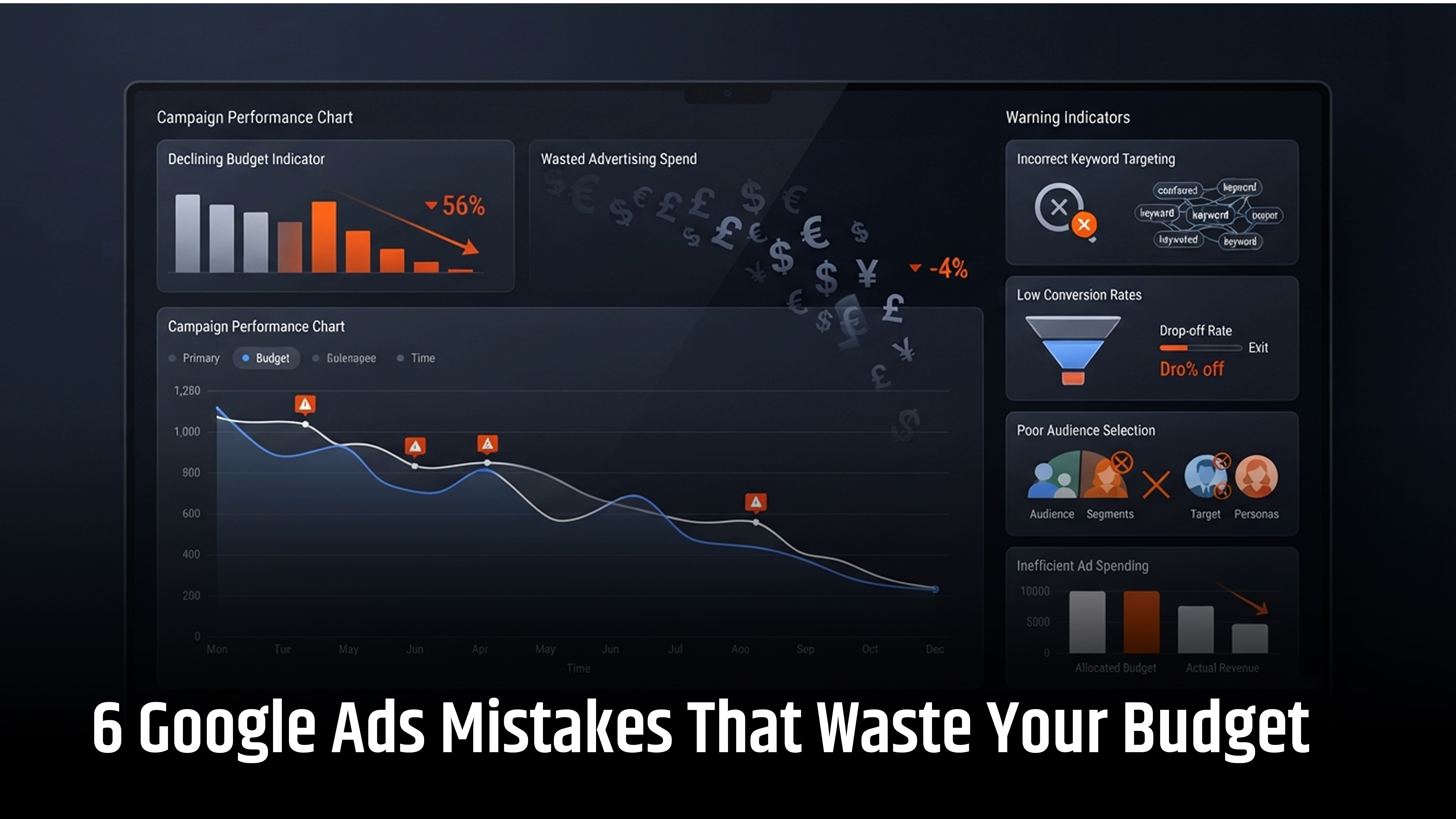
Are your Google Ads campaigns spending money but failing to generate quality leads or sales? The problem may not be your budget. It could be the way your campaigns are managed. Poor keyword targeting, missing negative keywords and incorrect conversion tracking can waste your ad spend. Even a well-funded campaign can struggle without the right strategy.
In 2026, tools such as Smart Bidding, Performance Max and AI Max offer more automation. But they still need proper management. Whether you run campaigns yourself or use a Google Ads service in the UK, avoiding common mistakes is essential. Here are five Google Ads mistakes that waste your budget and how to fix them.
6 Google Ads Mistakes That Waste Your Budget (And How to Avoid Them)
Google Ads success is not just about getting clicks. It is about reaching the right audience and generating quality leads or sales. Poor campaign settings can increase costs and reduce conversions. Here are five common mistakes and how to fix them.
1. Incorrect or Broken Conversion Tracking
Conversion tracking monitors actions such as form submissions, phone calls, purchases and bookings. Incorrect tracking gives Google Ads misleading data. It can also affect automated bidding strategies such as Smart Bidding.
Why does this waste your budget?
- You cannot monitor genuine leads or sales.
- Smart Bidding may optimise for low-value actions.
- Your conversion rate and CPA reports become unreliable.
How to fix it:
- Set up accurate Google Ads conversion tracking.
- Use Google Tag Manager to manage tracking tags.
- Connect Google Analytics 4 (GA4) where needed.
- Track genuine enquiries, calls and purchases.
- Test conversion events regularly.
- Set primary and secondary conversion actions correctly.
Tip: Focus on qualified leads, sales, cost per acquisition (CPA) and return on ad spend (ROAS), not clicks alone.
2. Ignoring Negative Keywords
Negative keywords stop your ads from appearing for irrelevant searches. Without them, you may pay for clicks from people looking for jobs, free courses or unrelated services.
For example, if you offer paid digital marketing services, searches such as "free digital marketing courses" or "digital marketing jobs" are unlikely to generate customers.
Why does this waste your budget?
- Your ads attract irrelevant traffic.
- You pay for clicks with little conversion potential.
- Your budget goes towards searches that do not match your services.
How to fix it:
- Review your Search terms report regularly.
- Identify irrelevant search queries.
- Add suitable negative keywords.
- Create shared negative keyword lists.
- Check match types before excluding terms.
- Update your lists as search behaviour changes.
Tip: Check search intent before adding negative keywords. Do not exclude terms that could attract potential customers.
3. Using Broad Match Keywords Without Proper Control
Google Ads offers three main keyword match types:
- Broad match: Reaches searches related to your keyword's meaning.
- Phrase match: Targets searches that include the meaning of your keyword.
- Exact match: Targets searches with the same meaning or intent.
Broad match can help you reach more potential customers. However, without proper monitoring, it can attract irrelevant searches.
For example, the keyword accounting software may attract searches for accounting jobs, courses or free tools.
Why does this waste your budget?
- Your ads appear for irrelevant searches.
- You attract visitors with low buying intent.
- Your cost per conversion may increase.
How to fix it:
- Research keywords using Google Keyword Planner.
- Use phrase and exact match where tighter control is needed.
- Test broad match with reliable conversion data.
- Review search terms regularly.
- Add negative keywords to exclude irrelevant searches.
- Compare conversion rates and CPA across match types.
Tip: Broad match is not always a problem. Google's machine learning can identify relevant search opportunities. However, accurate conversion tracking and regular monitoring remain essential.
In 2026, you can also explore Google's AI Max for Search campaigns. It offers AI-powered search matching and ad customisation. Review its performance before relying fully on automation.
4. Sending Google Ads Traffic to a Generic Homepage
Your landing page plays an important role in converting ad clicks into leads or sales. Sending every visitor to your homepage can create confusion.
For example, someone searching for "Google Ads management services in London" expects to find information about that service. A general homepage may not meet their expectations.
Why does this waste your budget?
- Your landing page does not match search intent.
- Visitors struggle to find relevant information.
- Your conversion rate may decrease.
- Paid clicks fail to generate enquiries.
How to fix it:
- Create dedicated landing pages for each service.
- Match page headlines with your ad copy.
- Include relevant service information.
- Add clear calls to action (CTAs).
- Make pages mobile-friendly.
- Improve page speed and navigation.
- Display genuine reviews and trust signals.
Tip: Make sure visitors can understand your offer and contact your business within seconds. Also, review your Quality Score components to identify landing page and ad relevance issues.
5. Poor Location and Ad Schedule Targeting
Incorrect location and ad schedule settings can waste your Google Ads budget. Your ads may reach people outside your service area or run when your team cannot handle enquiries.
For example, a Manchester plumbing company may receive irrelevant clicks if its campaign targets the entire UK.
How to fix it:
- Target locations where you actually provide services.
- Use radius targeting for local campaigns.
- Exclude locations that generate irrelevant clicks.
- Schedule ads based on business hours and customer behaviour.
- Review performance by location, day and time.
- Check your location targeting options to reach people in the areas you serve.
Tip: Do not automatically stop ads outside business hours. Some customers search at night. Use conversion data to identify when your ads generate valuable leads.
6. Writing Poor or Irrelevant Ad Copy
Your Google Ads copy influences whether people click your advertisements. Weak headlines, unclear offers and irrelevant descriptions can reduce click-through rates (CTR) and waste your advertising budget.
Why does this waste your budget?
- Your ads fail to attract potential customers.
- Your message does not match search intent.
- You receive fewer qualified clicks and conversions.
How to fix it:
- Write clear, relevant ad headlines.
- Include your target keywords naturally.
- Highlight your main services and benefits.
- Add strong calls to action (CTAs).
- Use all relevant responsive search ad assets.
- Test different headlines and descriptions.
Tip: Match your ad copy with the user's search intent and landing page. Relevant advertisements can improve engagement and attract more qualified traffic.
Google Ads Metrics You Should Monitor to Reduce Wasted Spend
Tracking the right Google Ads metrics helps you understand where your budget goes. It also shows which campaigns generate leads and sales. Monitor these five key metrics to improve campaign performance and reduce wasted ad spend.
| Google Ads Metric | What It Tracks | Why It Matters |
|---|---|---|
| Cost Per Click (CPC) | Average cost paid for each ad click. | Helps identify expensive keywords and unnecessary spending. |
| Click-Through Rate (CTR) | Percentage of people who click your ad after seeing it. | Shows whether your ads match users' search intent. |
| Conversion Rate | Percentage of ad clicks that result in a desired action. | Helps track how effectively your ads generate leads or sales. |
| Cost Per Acquisition (CPA) | Average advertising cost per conversion. | Shows how much you spend to acquire a lead or customer. |
| Return on Ad Spend (ROAS) | Revenue generated compared with advertising spend. | Helps evaluate advertising revenue and campaign returns. |
How to Improve These Google Ads Metrics
- CPC: Review expensive keywords and exclude irrelevant search terms.
- CTR: Write relevant headlines and improve ad copy.
- Conversion Rate: Optimise landing pages and simplify enquiry forms.
- CPA: Focus on qualified leads and improve conversion tracking.
- ROAS: Prioritise campaigns and products that generate better revenue.
Tip: Do not focus on clicks alone. Review all five metrics together. This helps you understand campaign performance, identify wasted spend and make better Google Ads optimisation decisions.
Conclusion
Google Ads services uk can generate valuable leads and sales when managed correctly. However, small mistakes can quickly waste your advertising budget. Focus on relevant keywords, negative keywords, accurate conversion tracking and effective landing pages. Monitor campaign performance regularly. Do not spend money on clicks that bring no business value.
Need help improving your Google Ads campaigns? WOWinfotech can help you identify campaign issues, reduce wasted ad spend and improve advertising performance. Get in touch with our team today and make your Google Ads budget work harder.
Frequently Asked Questions
Contact us to get a digital strategy
Contact us for digital strategy guidance.