
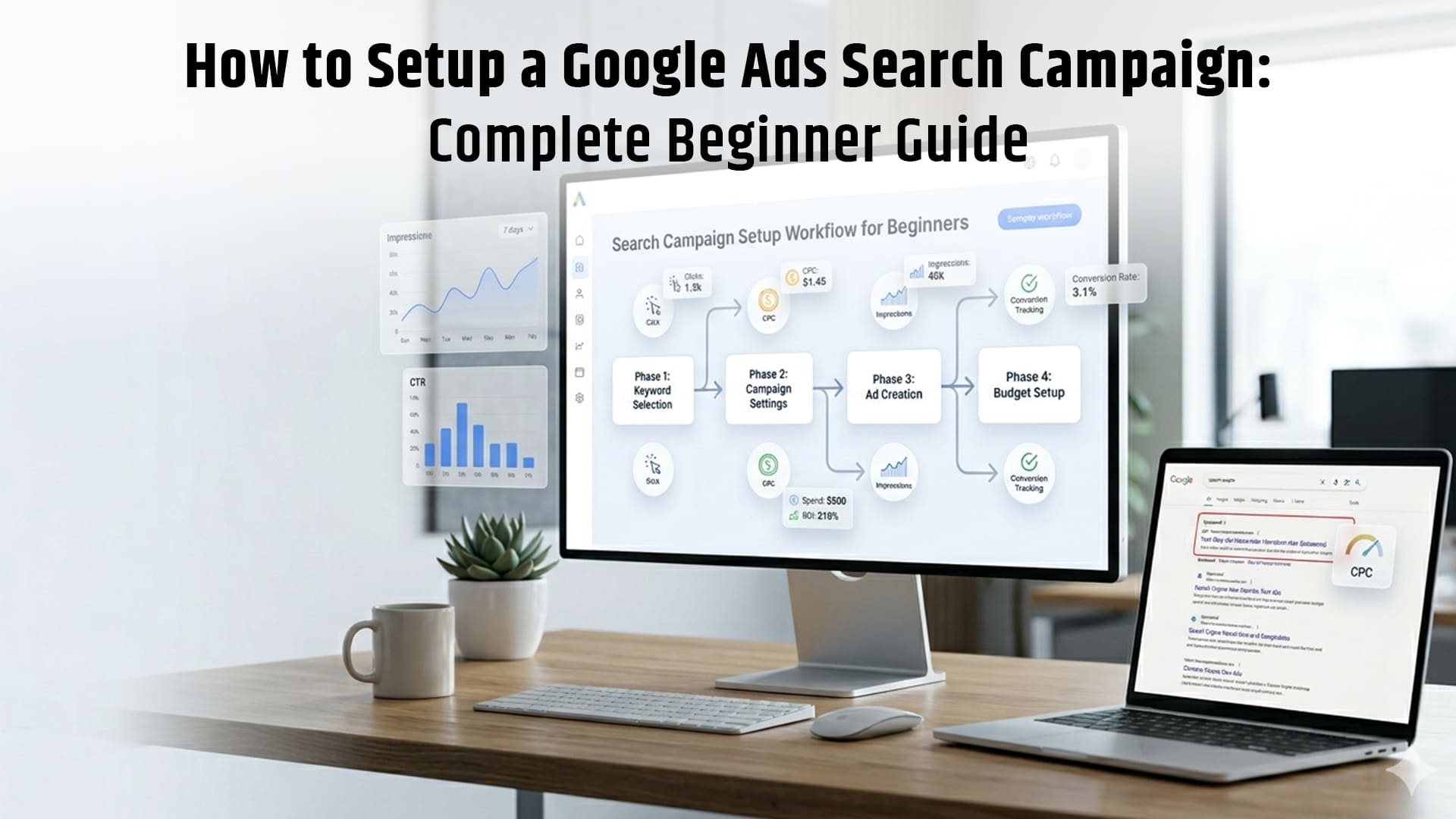
A Google Ads Search Campaign is a type of online advertising campaign that allows businesses to show text ads on Google search results when users search for specific keywords. It works on a pay-per-click (PPC) model, where advertisers only pay when someone clicks on their ad.
This campaign type focuses on high-intent users, enabling precise targeting based on keywords, location, device, and audience signals, making it ideal for businesses, marketers, and beginners who want to generate leads, sales, or website traffic through Google Search.
What is a Google Ads Search Campaign?
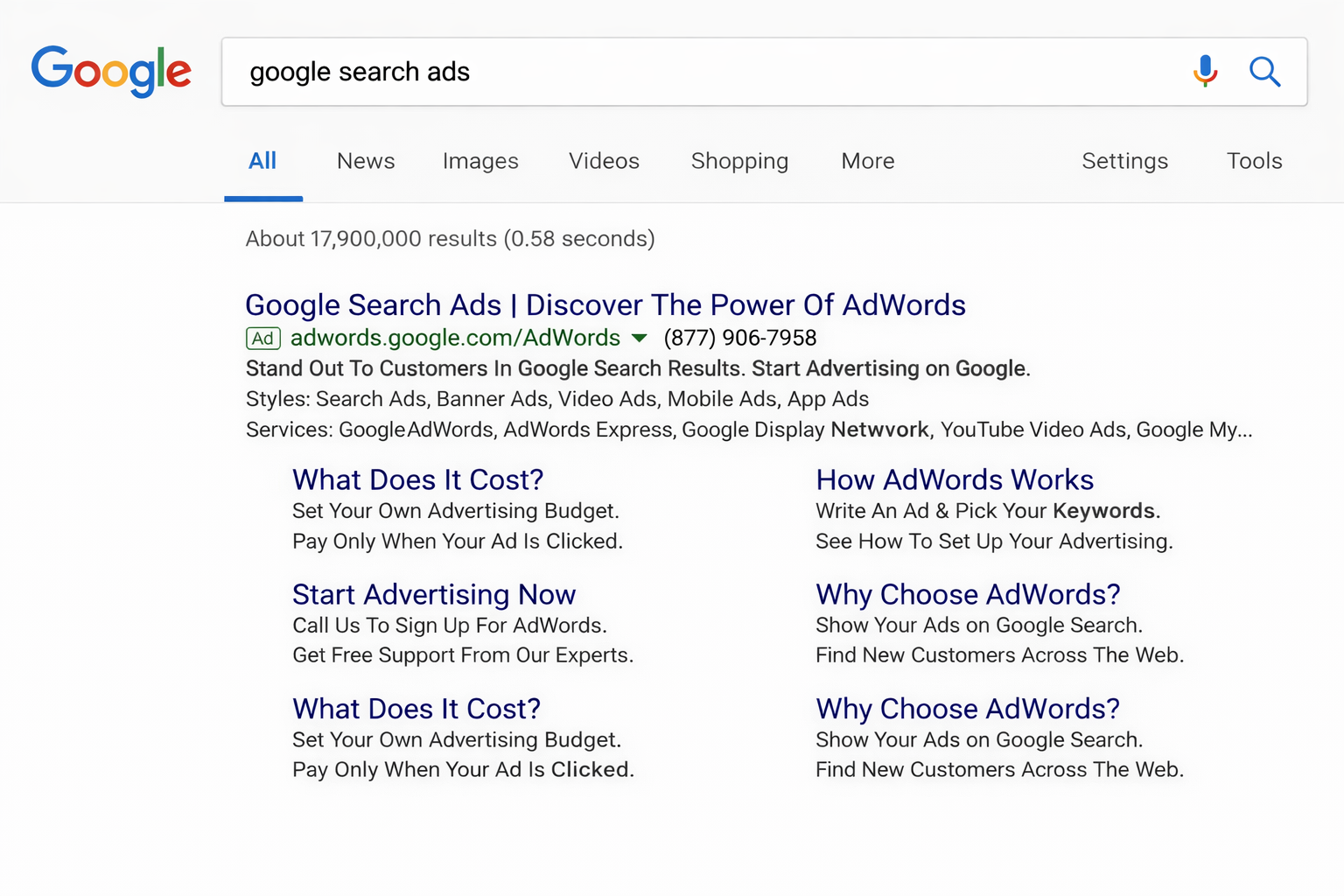
A Google Ads Search Campaign is a type of online ad where your text ads appear on Google when people search for products or services. You only pay when someone clicks on your ad.
Example: If someone searches “buy shoes online”, your ad can appear at the top.
Why Use Google Search Ads?
- Reach people actively searching
- Get fast traffic
- Control budget easily
- Track results clearly
This makes it one of the best marketing channels for beginners in 2026.
Basic Terms You Should Know
- Keywords → Words people search
- CPC (Cost Per Click) → Money you pay per click
- CTR (Click Through Rate) → Click percentage
- Quality Score → Google’s rating of your ad
- Conversion → A sale, lead, or action
How to Set Up Google Ads Search Campaign
Here is a step-by-step guide to setting up a Google Ads Search Campaign.
1. Create Your Google Ads Account
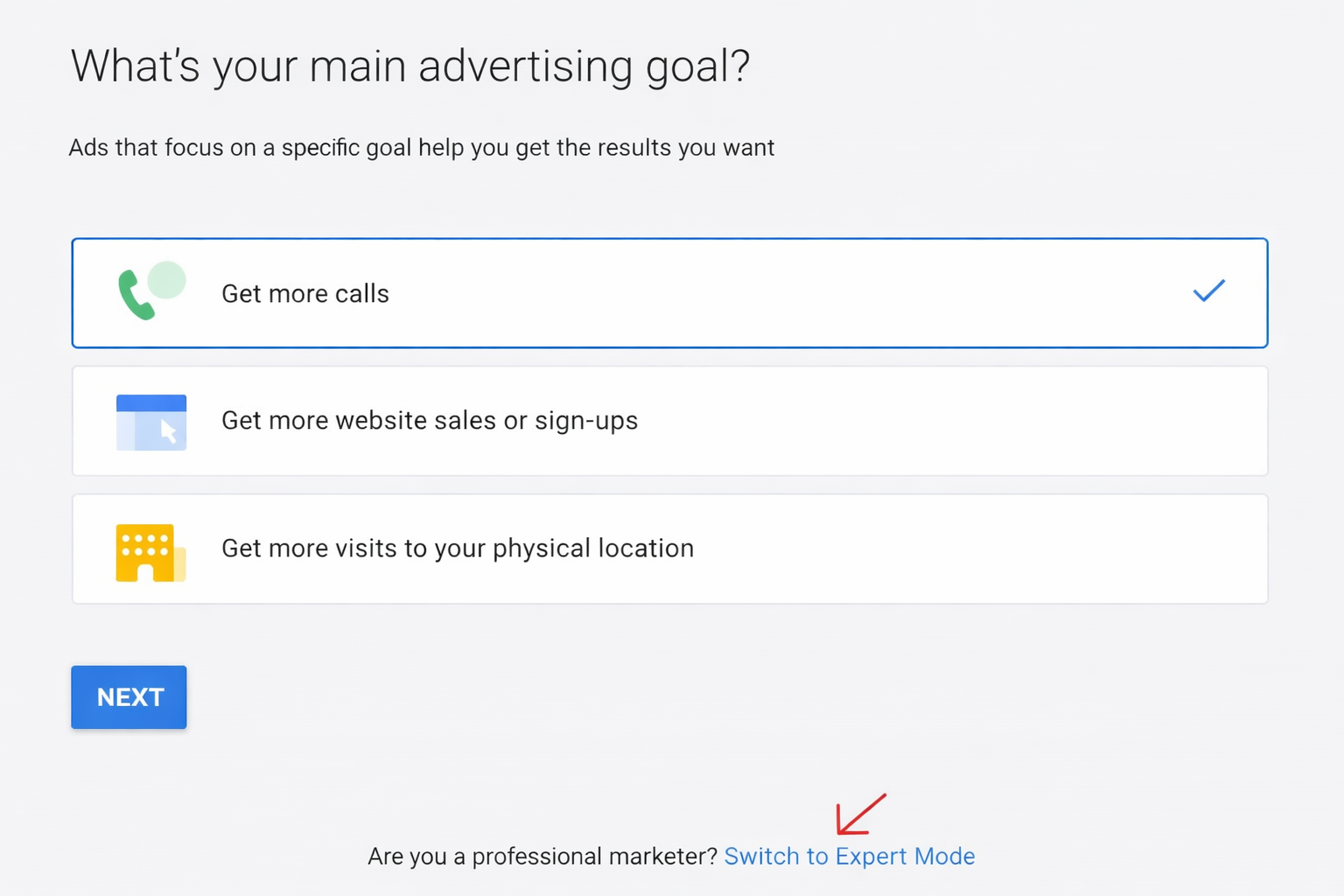
To start using Google Ads, you first need to create your account. Go to ads.google.com and sign in using your Gmail account. After signing in, Google may guide you through a simple setup, but it’s better to click on “Switch to Expert Mode” at the bottom of the screen.
Expert Mode gives you full control over your campaign settings, such as keywords, budget, bidding, and targeting.
This is important because it helps you avoid automatic settings that can waste your budget. For beginners, using Expert Mode is the best way to learn and build effective campaigns from the start.
2. Choose Your Campaign Goal
After creating your account, the next step is to choose your campaign goal. This tells Google what you want to achieve with your ads.
You will see options like:
- Sales → Get direct purchases from your website
- Leads → Get calls, form submissions, or inquiries
- Website Traffic → Bring more visitors to your site
For most beginners, the best choice is Leads or Sales because these goals focus on real results like customers and revenue, not just clicks.
When you select a goal, Google uses it to optimize your campaign settings, bidding, and ad delivery to help you achieve better outcomes.
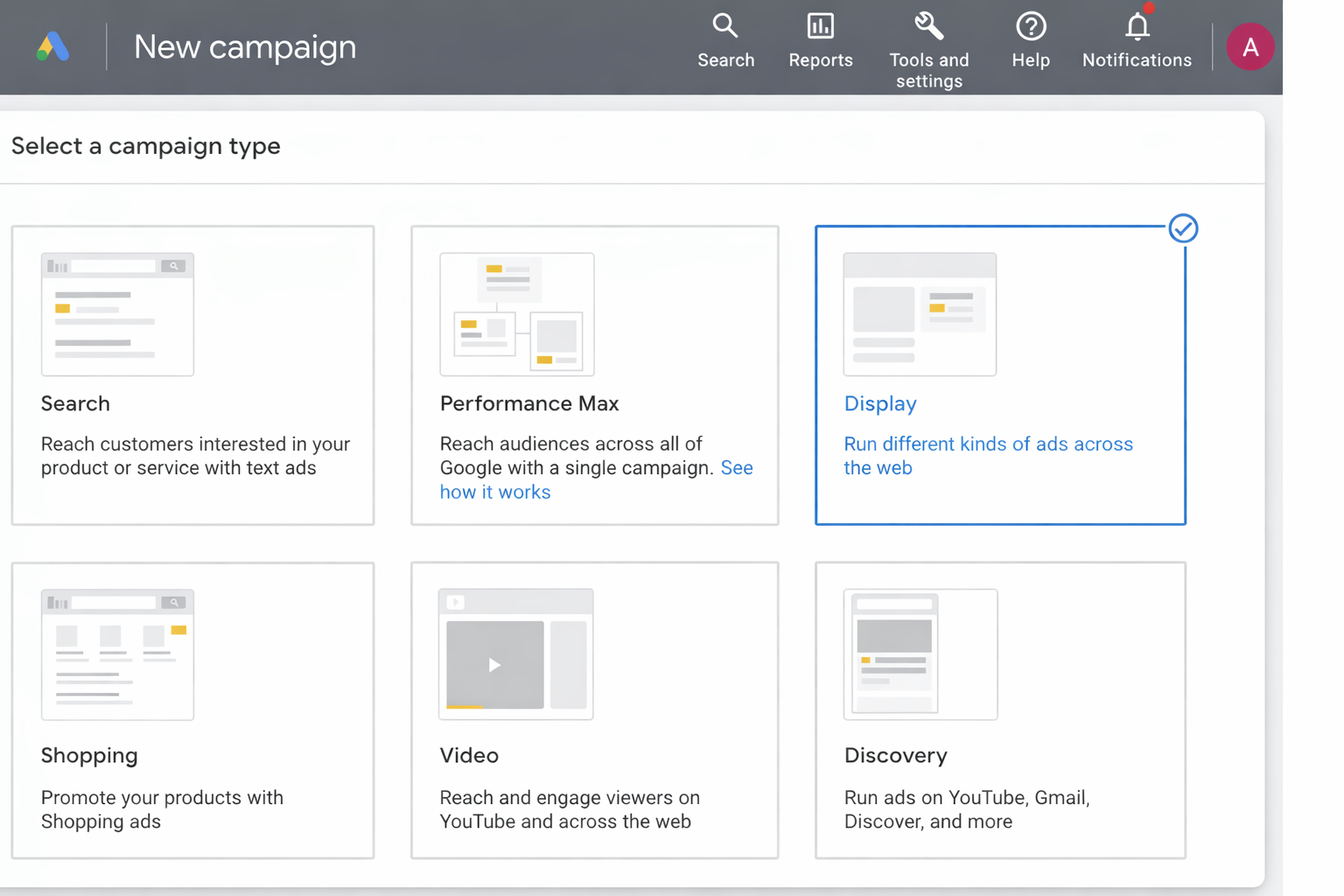
3. Select Campaign Type: Search
- Click New Campaign
- Choose Search
Turn OFF Display Network to avoid wasted budget.
4. Set Campaign Settings
Set:
- Location (your target area)
- Language
- Budget (daily)
- Bidding strategy
Start small and scale later.
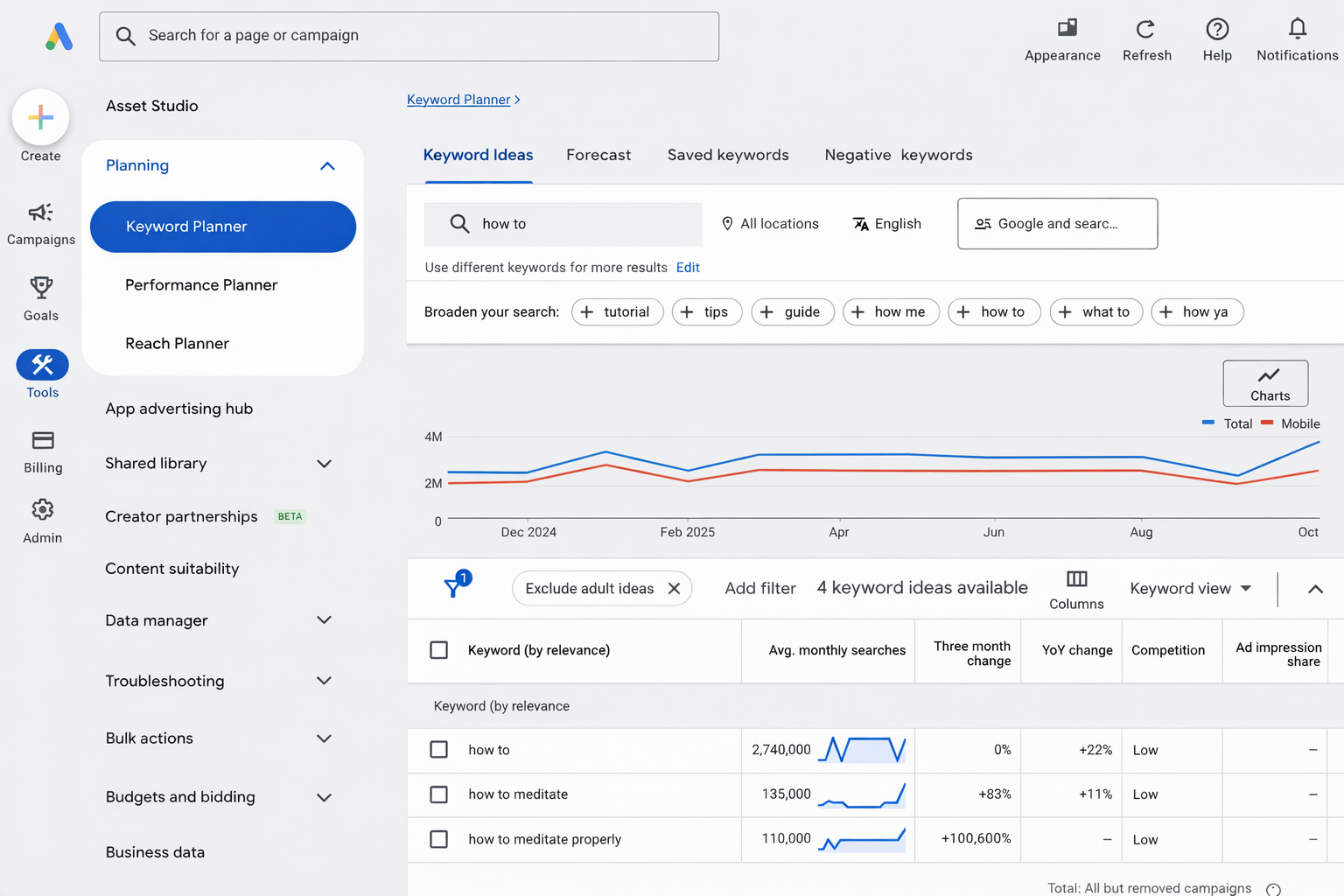
5. Do Keyword Research
Use:
- Google Keyword Planner
- Google search suggestions
Choose high-intent keywords:
- “buy laptop online.”
- “best laptop 2026”
- “What is laptop?”
Focus on buyer intent keywords.
6. Create Ad Groups
Structure example:
- Campaign: Shoes
- Ad Group 1: Running Shoes
- Ad Group 2: Formal Shoes
Keep keywords in each group closely related.
7. Choose Keyword Match Types
- Exact Match → [best shoes]
- Phrase Match → “best shoes.”
- Broad Match → best shoes
Beginners should use:
- Exact + Phrase (more control)
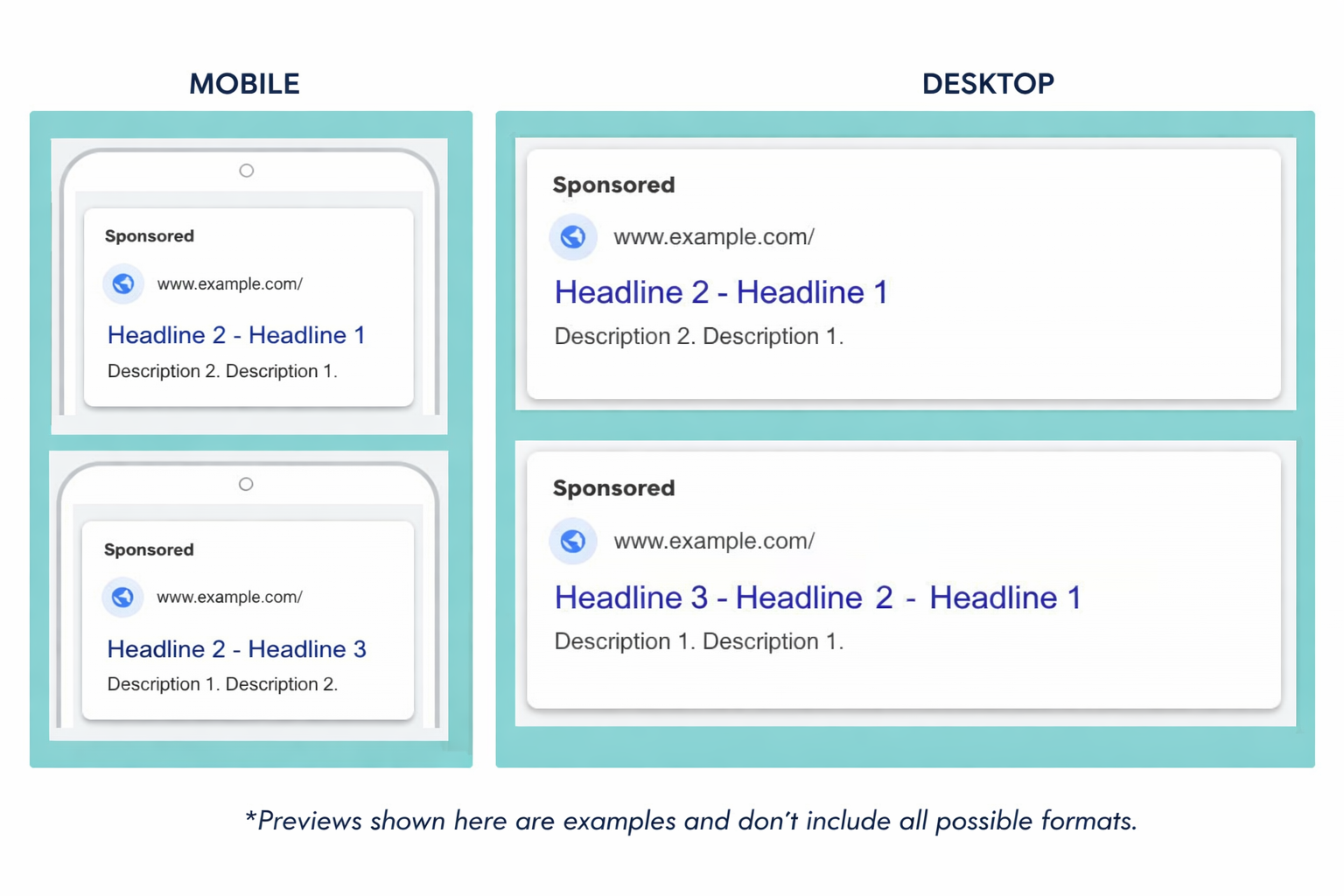
8. Write Your Ads
Include:
- Keyword in headline
- Benefit (e.g., Free Delivery)
- CTA (Buy Now, Get Quote)
Example Ad:
Headline: Buy Running Shoes Online
Description: 50% Off + Free Delivery. Shop Now!
Match your ad with user search intent.
9. Set Budget & Bidding
Start with:
- £5–£10 per day
Bidding options:
- Manual CPC (best for beginners)
- Maximize Clicks
- Maximize Conversions
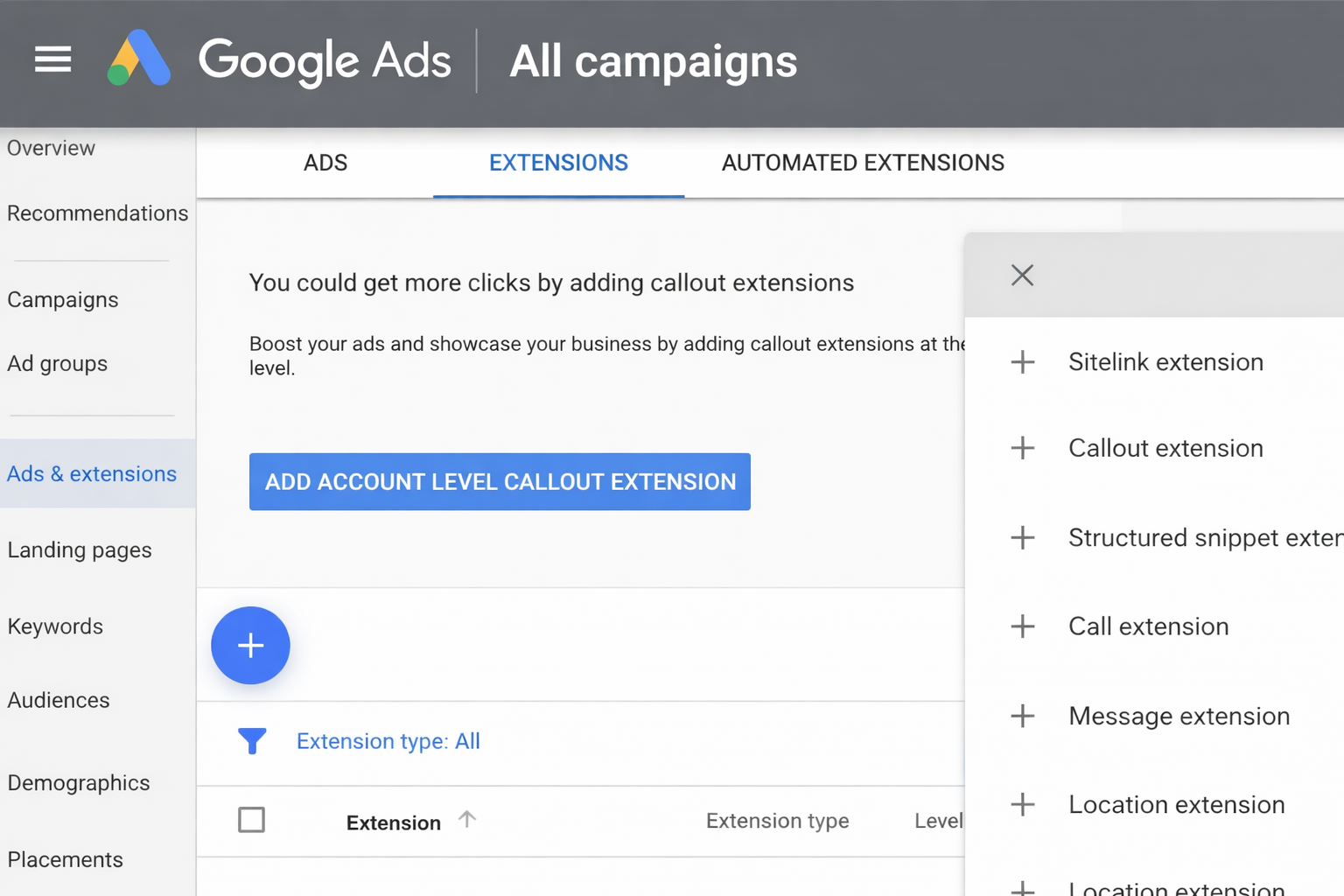
10. Add Ad Extensions
Add:
- Sitelinks
- Callouts
- Call extensions
Extensions increase clicks and visibility.
11. Set Up Conversion Tracking
Track:
- Purchases
- Leads
- Form submissions
Tools:
- Google Analytics (GA4)
- Google Tag Manager
Without tracking, you cannot measure success.
12. Launch Your Campaign
Click Publish
How to Optimize Your Campaign
Do this weekly:
- Add negative keywords
- Pause bad keywords
- Test new ads
- Improve landing page
Optimization = more profit over time.
Common Mistakes to Avoid
- Using broad match too early
- No tracking setup
- Sending traffic to the homepage
- Ignoring negative keywords
- Poor ad copy
Example Campaign Structure
Campaign: Digital Marketing
- SEO Services
- PPC Services
- Social Media Marketing
Conclusion
A Google Ads Search Campaign is a simple and powerful way to reach people who are already searching for your product or service. By choosing the right keywords, writing clear ads, and tracking results, you can get more clicks, leads, and sales. Keep improving your campaign regularly, and it can become a strong and reliable way to grow your business in 2026.
FAQs
Contact us to get a digital strategy
Contact us for digital strategy guidance.